
How to find Review history on the App Store?
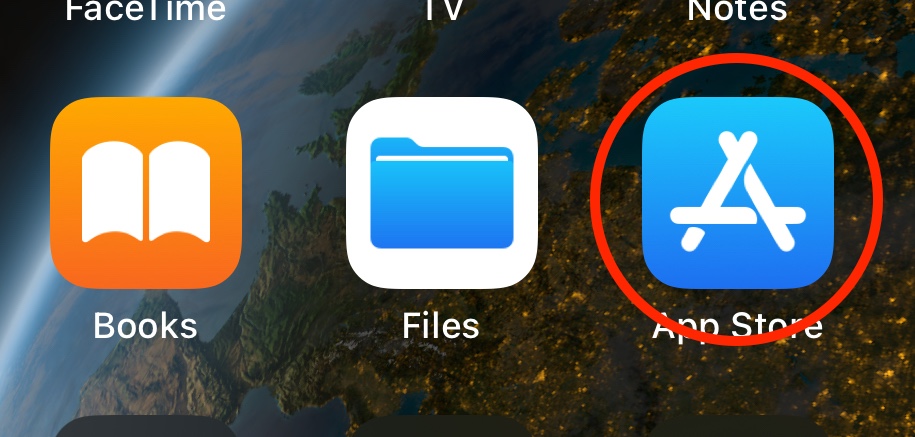
1. Open App Store application on your iPhone or iPad:
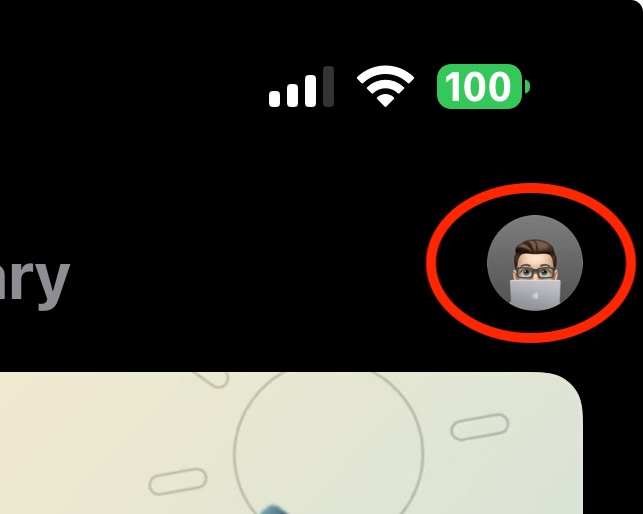
2. Tap on your Profile at the top right corner:
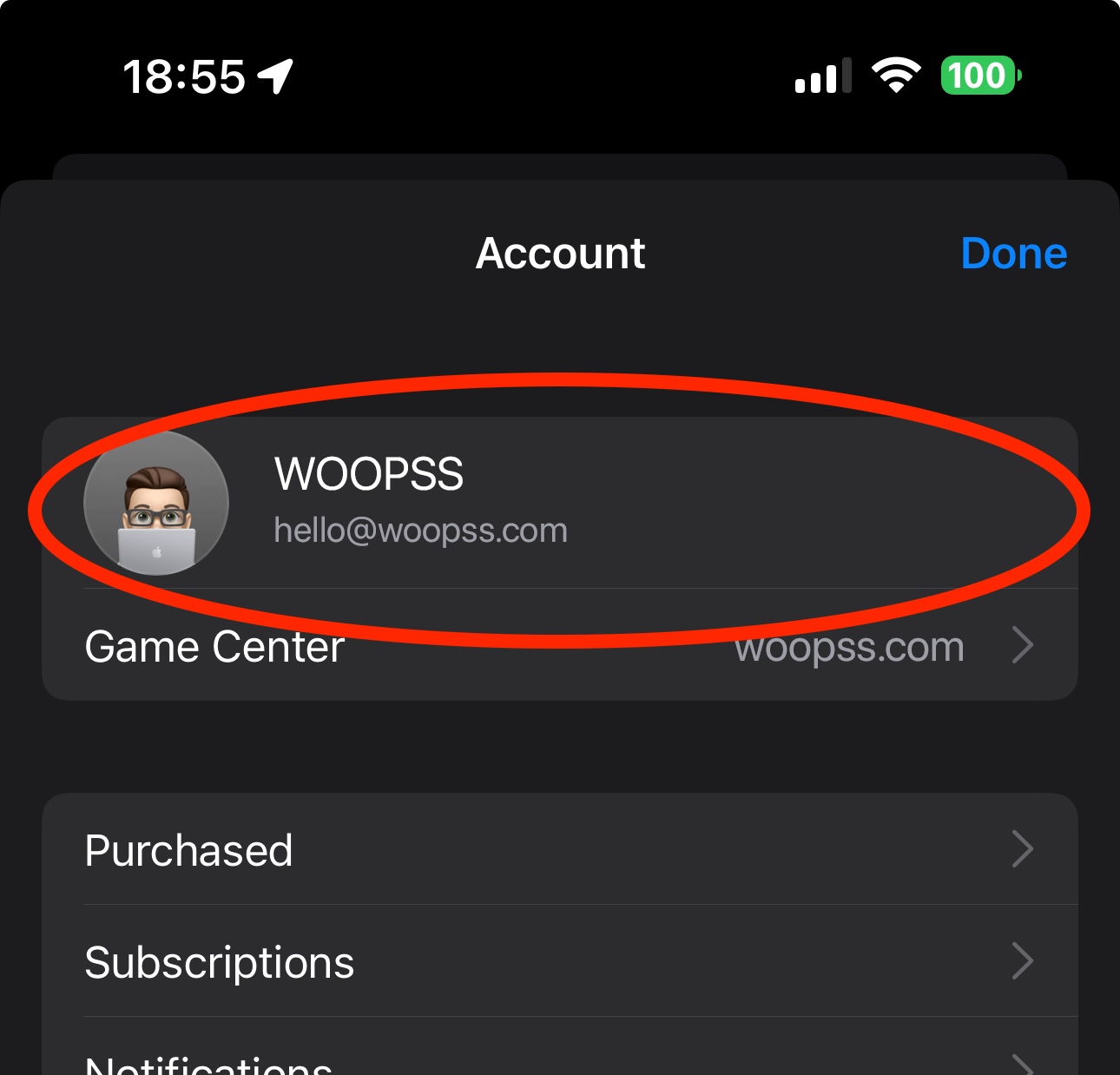
3. Tap on your Account Card at the top of the screen.
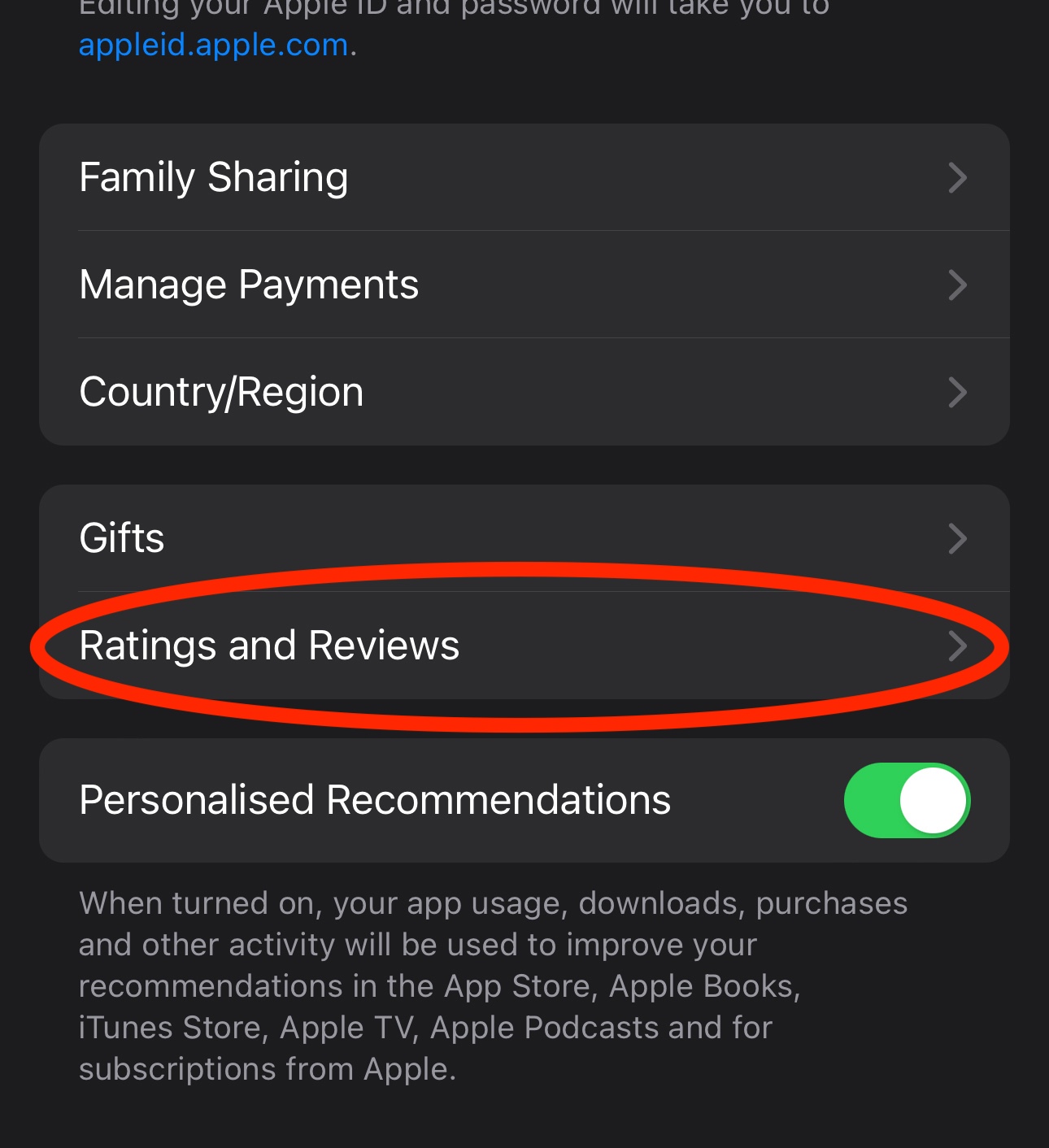
4. Tap on Ratings and Reviews option at the middle:
5. Find the app you need and take a screenshot of your review.
Done!